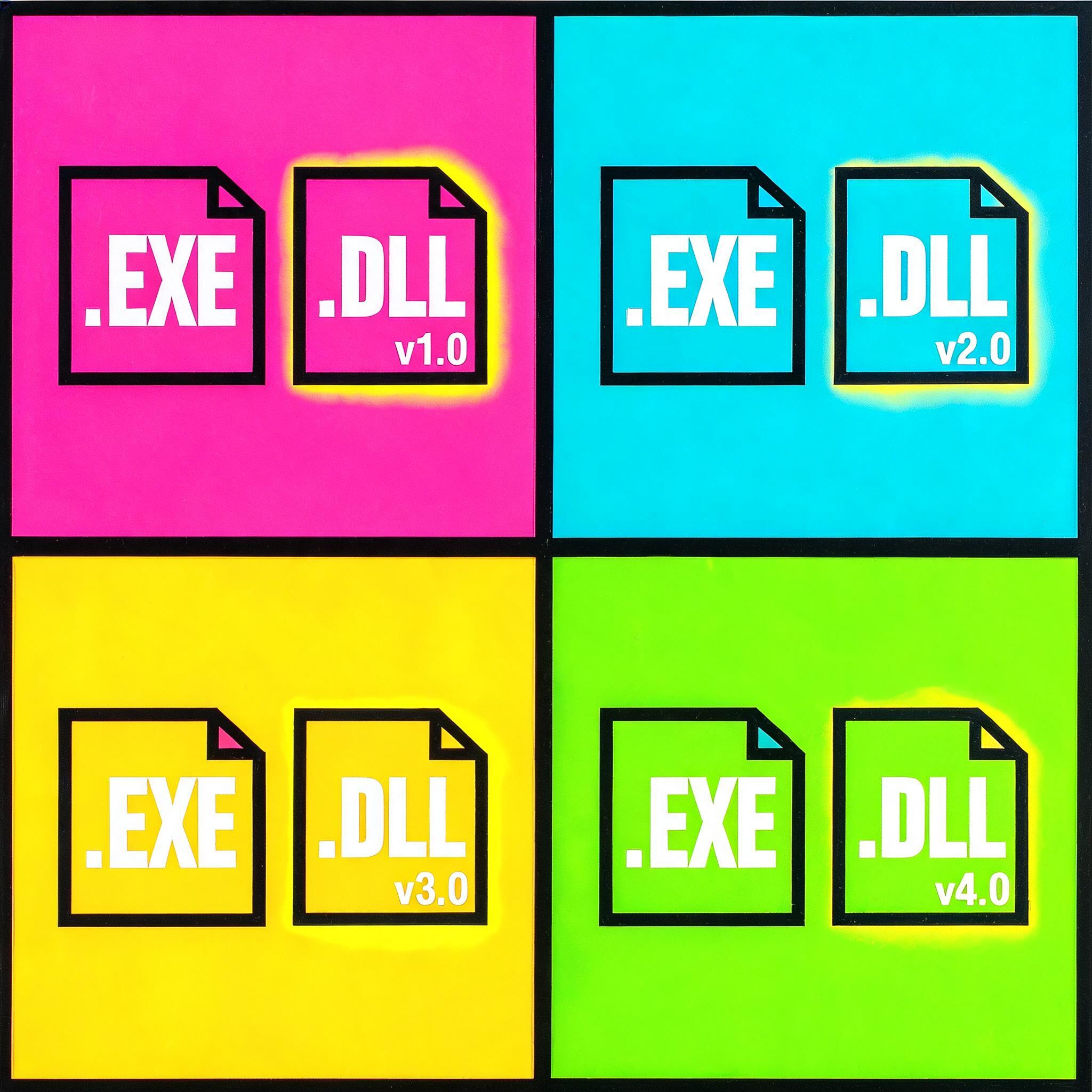
Some environments need to report on installed Adobe Acrobat 7.x using LANDesk Software License Monitoring. Querying on the main executable, ACROBAT.EXE, does not produce reliable results because the file size remains the same across multiple 7.x releases. As a result, version-based queries against the executable are inconclusive. The supporting library ACROBAT.DLL, however, changes between versions and can be used instead.
Issue
Attempts to identify or differentiate Acrobat 7 installations in LANDesk using the file ACROBAT.EXE return ambiguous data. The executable file size is identical for multiple 7.x builds, so queries that rely only on ACROBAT.EXE cannot distinguish versions and may not accurately reflect the installed base.
Cause
Adobe Acrobat 7.x maintains the same executable file size for ACROBAT.EXE across different maintenance releases. LANDesk’s file-based inventory therefore reports identical file information for multiple versions when the query only targets the EXE. The dynamic library file ACROBAT.DLL is updated between releases, so its version and size provide better indicators for software inventory and license tracking.
Resolution overview
Use ACROBAT.DLL instead of ACROBAT.EXE as the target file in LANDesk inventory queries. To do this, update the LANDesk application template so that .DLL files are included in the scan, make the updated configuration available to clients, and build a query that searches for ACROBAT.DLL and displays its version.
Configuration steps
- Include DLL files in the scan
- Edit the file LDAppl3.Template.
- Locate the ScanExtentions entry.
- Add
.DLLto the list of extensions so that DLL files are included in the software inventory scan. - Save the template file.
- Distribute updated configuration to clients
- In LANDesk Management Suite, open Software License Monitoring.
- Use the option to Make Available to Clients so that managed systems receive the updated template and begin scanning
.DLLfiles.
Creating the LANDesk query
After clients have reported inventory with DLL files included, create a query to identify Acrobat using ACROBAT.DLL:
- Create a new query in LANDesk.
- For the condition, use:
"Computer"."Software"."Package"."File Name" = "ACROBAT.DLL"- Add a column to display the version information:
"Computer"."Software"."Package"."Version"- Save and run the query.
The resulting report lists systems where ACROBAT.DLL has been detected, along with the associated version value, allowing Acrobat 7.x installations to be identified and differentiated using LANDesk.
Notes
- This procedure is specific to Adobe Acrobat 7.x behavior as observed in 2006.
- After adding
.DLLto ScanExtentions, additional DLLs will be inventoried; consider potential changes in scan size and processing time. - If other applications maintain static EXE sizes across releases, similar techniques can be applied by targeting versioned DLLs instead of the main executable.