Problem
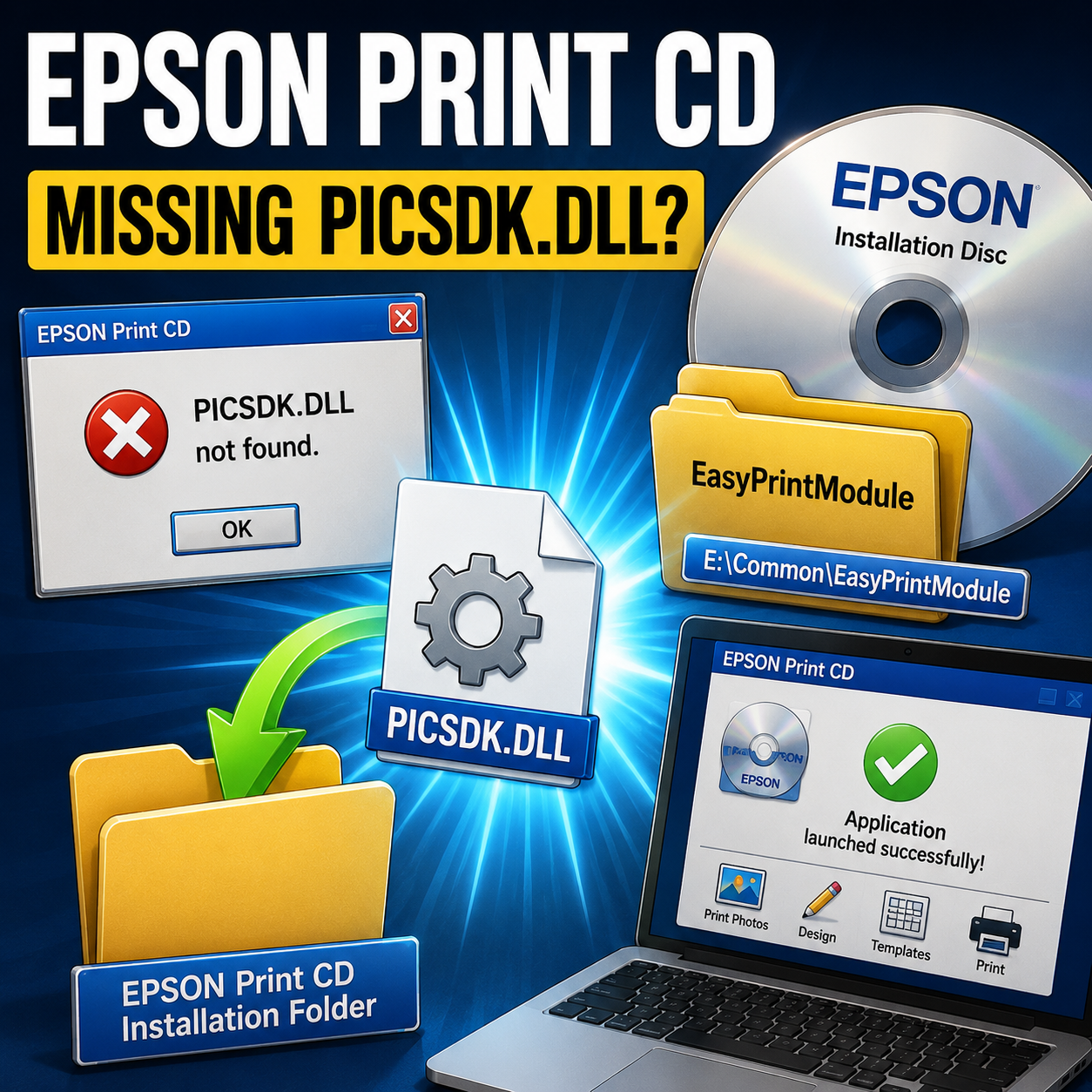
EPSON Print CD installs successfully but fails to launch with the error: PICSDK.DLL not found.
Cause
PICSDK.DLL is not included in the Print CD installer. It belongs to the EasyPrintModule package, located separately on the Epson installation disc at:
E:\Common\EasyPrintModule
Solution
Rather than installing the full EasyPrintModule application, the DLL can be extracted directly from the installer package using UniExtract:
- Use UniExtract to extract
PICSDK.DLLfromdata1.cabordata2.cabinside the EasyPrintModule folder - Copy
PICSDK.DLLto the EPSON Print CD installation folder - Launch EPSON Print CD normally
Result
Application launches successfully without requiring the EasyPrintModule installation.