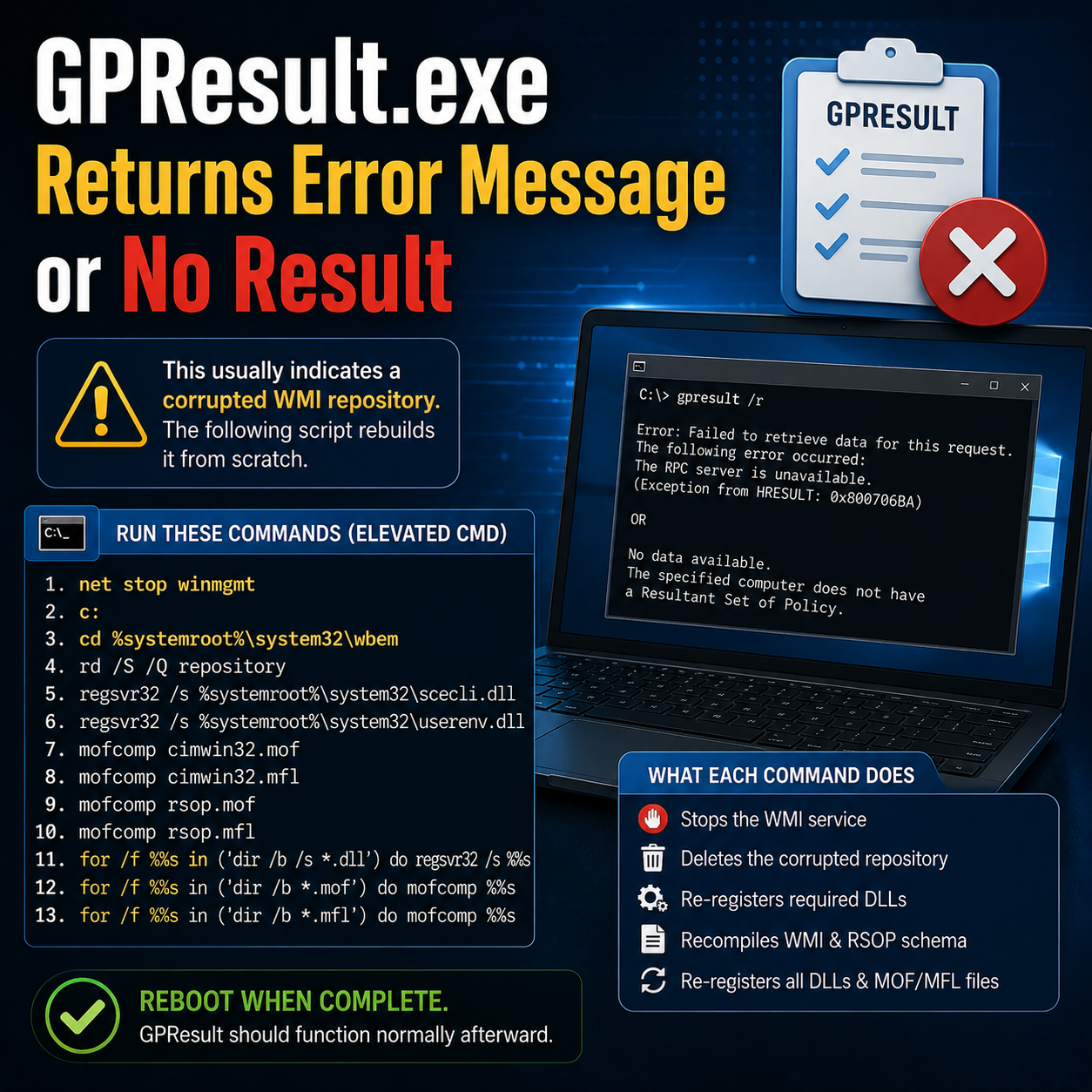
GPResult.exe Returns Error Message or No Result. This usually indicates a corrupted WMI repository. The following script rebuilds it from scratch.
Run the commands below from an elevated command prompt:
net stop winmgmt
c:
cd %systemroot%\system32\wbem
rd /S /Q repository
regsvr32 /s %systemroot%\system32\scecli.dll
regsvr32 /s %systemroot%\system32\userenv.dll
mofcomp cimwin32.mof
mofcomp cimwin32.mfl
mofcomp rsop.mof
mofcomp rsop.mfl
for /f %%s in ('dir /b /s *.dll') do regsvr32 /s %%s
for /f %%s in ('dir /b *.mof') do mofcomp %%s
for /f %%s in ('dir /b *.mfl') do mofcomp %%s
Reboot when complete. GPResult should function normally afterward.
What each command does:
net stop winmgmt— Stops the Windows Management Instrumentation service before making changes, preventing file locks or data corruption during the repair.c:/cd %systemroot%\system32\wbem— Ensures the script is running from the correct drive, then navigates to the WMI working directory where the repository and schema files are stored.rd /S /Q repository— Deletes the corrupted WMI repository directory silently and recursively. Windows will rebuild it automatically on next start.regsvr32 /s %systemroot%\system32\scecli.dll— Re-registers the Security Configuration Client DLL, which handles Group Policy security settings.regsvr32 /s %systemroot%\system32\userenv.dll— Re-registers the User Environment DLL, responsible for loading user profiles and applying Group Policy.mofcomp cimwin32.mof / .mfl— Recompiles the core WMI schema that defines all standard Windows hardware and OS classes.mofcomp rsop.mof / .mfl— Recompiles the Resultant Set of Policy schema, which is what GPResult.exe depends on directly.for /floops — Re-registers all remaining DLLs and recompiles all remaining MOF/MFL schema files in the directory to ensure nothing is missed.