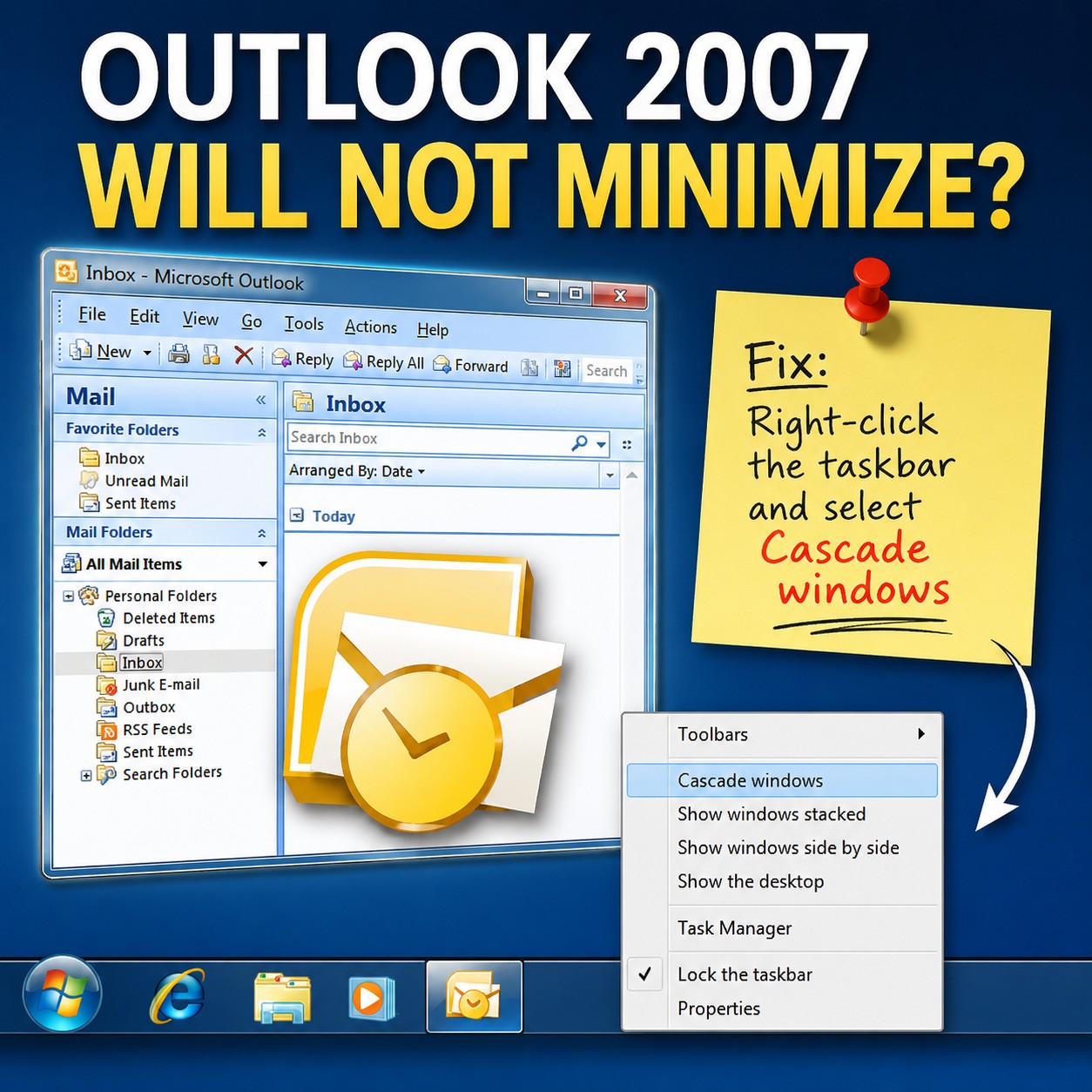
Outlook 2007 may occasionally appear to minimize incorrectly in Windows Vista or Windows 7. The Outlook icon remains visible on the taskbar, but the program window is either extremely small or positioned somewhere off-screen.
Right-clicking the Outlook taskbar icon and selecting Maximize brings the window back. However, clicking Restore causes it to disappear again. Restarting Outlook or rebooting Windows usually does not correct the problem.
The issue is generally caused by Windows remembering an invalid size or off-screen position for the Outlook window.
The Fix
- Open Outlook and any other window.
- Right-click an empty area of the Windows taskbar.
- Select Cascade windows.
- Return to Outlook and resize or reposition the window normally.
Windows will move the open windows back into the visible desktop area. Outlook should now remain visible when it is restored from its maximized state.
This simple solution worked for me and was much easier than resetting Outlook or modifying the Windows registry.