By combining the massively popular Elasticsearch, Logstash, and Kibana (what was the ELK Stack is now the Elastic Stack), Elastic has created an end-to-end stack that delivers actionable insights in real time from almost any type of structured and unstructured data source.
There are many resources that offer installation procedures from simple to complex configurations. This is my take on a simple installation using CentOS 7.
#######
# ELK
#######

#####
# Pre-requisites / install JAVA JDK
#####

yum -y install wget

wget --no-cookies --no-check-certificate --header "Cookie: gpw_e24=http%3A%2F%2Fwww.oracle.com%2F; oraclelicense=accept-securebackup-cookie" "$(curl -s http://www.oracle.com/technetwork/java/javase/downloads/jdk8-downloads-2133151.html | grep "jdk-8u" | grep "linux-x64.rpm" | grep -o 'http.*' | cut -d"\"" -f1 | tail -1)"
yum -y install jdk-*-linux-x64.rpm

#####
# Create repos
#####

cat << EOF > /etc/yum.repos.d/elasticsearch.repo
[elasticsearch]
name=Elasticsearch repository for 2.x packages
baseurl=http://packages.elastic.co/elasticsearch/2.x/centos
gpgcheck=1
gpgkey=http://packages.elastic.co/GPG-KEY-elasticsearch
enabled=1
EOF

cat << EOF > /etc/yum.repos.d/kibana.repo
[kibana-4.4]
name=Kibana repository for 4.4.x packages
baseurl=http://packages.elastic.co/kibana/4.4/centos
gpgcheck=1
gpgkey=http://packages.elastic.co/GPG-KEY-elasticsearch
enabled=1
EOF

cat << EOF > /etc/yum.repos.d/logstash.repo
[logstash-2.2]
name=logstash repository for 2.2 packages
baseurl=http://packages.elasticsearch.org/logstash/2.2/centos
gpgcheck=1
gpgkey=http://packages.elasticsearch.org/GPG-KEY-elasticsearch
enabled=1
EOF

######
# Install ELK
######

yum -y install elasticsearch logstash kibana

sed -i '/^# network.host/a network.host: localhost' /etc/elasticsearch/elasticsearch.yml
sed -i '/^# server.host/a server.host: "0.0.0.0"' /opt/kibana/config/kibana.yml

systemctl enable elasticsearch
systemctl enable logstash
systemctl enable kibana
systemctl restart elasticsearch
systemctl restart logstash
systemctl restart kibana

######
# Firewall
######

firewall-cmd --permanent --add-port=5601/tcp
firewall-cmd --reload
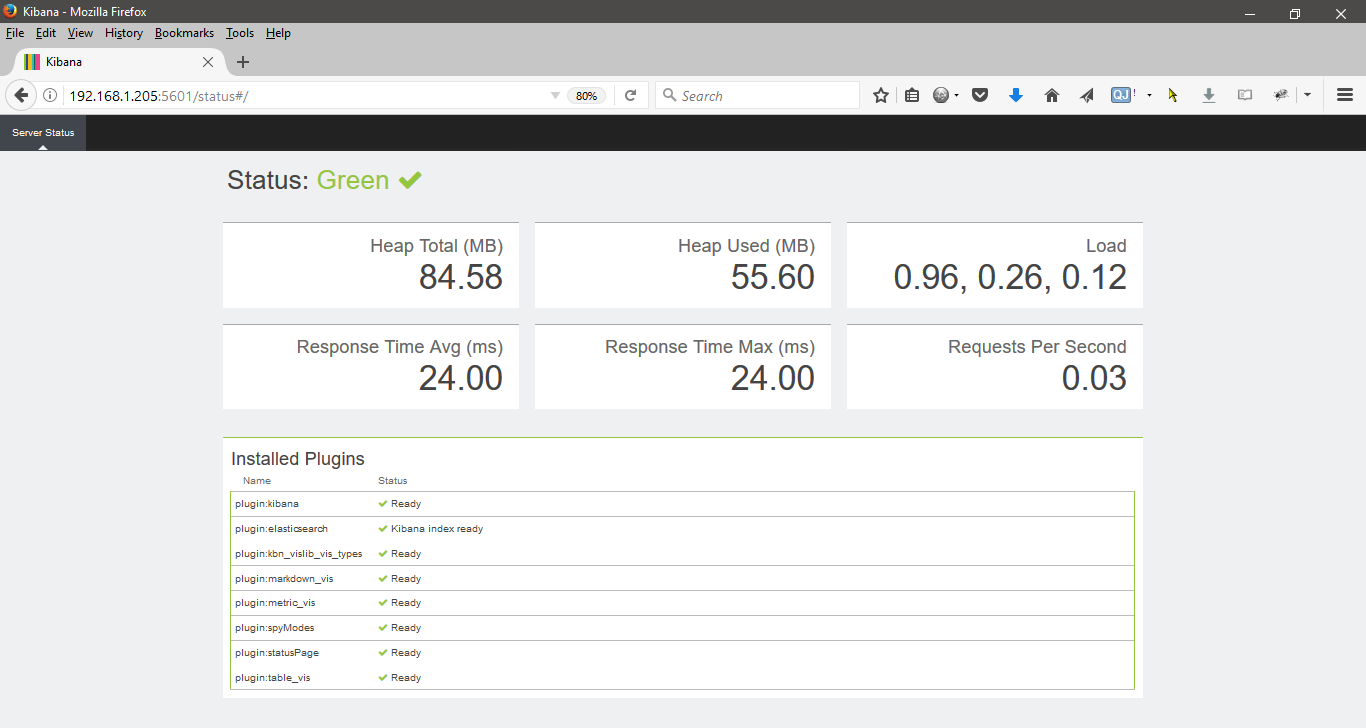
Source(s)
https://developers.redhat.com/blog/2016/06/07/how-to-install-elastic-stack-elk-on-red-hat-enterprise-linux-rhel/
https://www.elastic.co/webinars/introduction-elk-stack