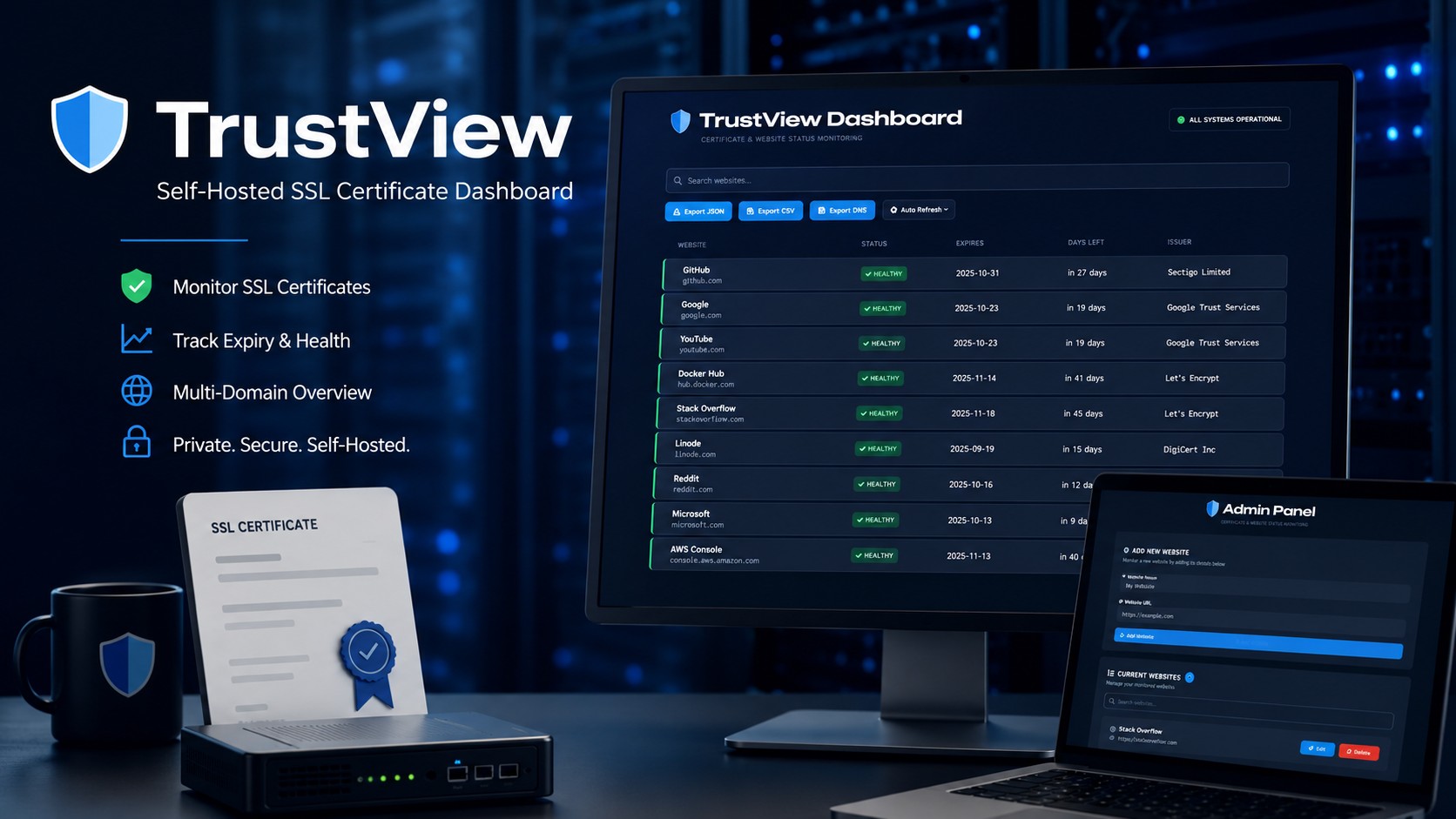
Every homelabber and small-ops admin knows the moment: you browse to one of your own services and get slapped with a full-screen certificate warning. The cert expired three days ago. Nothing told you. Now you’re renewing it under pressure instead of on a schedule.
I got tired of that moment, so I built TrustView — a lightweight, self-hosted dashboard that watches the TLS certificates on all of your sites, internal and external, and warns you about expirations before they become incidents. It’s free, open source (MIT), and available now on GitHub:
What It Does
TrustView is a Python application built on Flask (with Gunicorn for production duty). You give it a list of sites in a single websites.yml file — or add them through the built-in admin panel — and it checks each one for HTTP reachability and certificate health. The checks run in a threaded worker pool, so whether you’re watching five sites or fifty, the dashboard stays fast.
The main view is a sortable, searchable status list showing each site’s name, current status, certificate issuer, expiration date, and days remaining, all color-coded by severity. A certificate with more than 30 days left is healthy. Inside 30 days, it’s flagged as expiring. Inside 7 days — or already expired — it goes critical. If the certificate can’t be retrieved at all, that’s surfaced as an error rather than silently skipped. The page refreshes itself once every 24 hours, so you can leave it up on a spare monitor and forget about it. There’s a dark mode, naturally.
The Internal CA Problem, Solved
Here’s the part that makes TrustView genuinely useful for a homelab or corporate network rather than just another uptime checker: it handles private certificate authorities properly.
Most monitoring tools choke on internal infrastructure signed by your own CA. TrustView gives you three options, per site. You can point a site at a specific CA bundle — a PEM file on disk — and that site is verified against your internal root without touching the global trust store. If you don’t specify a bundle, the app automatically discovers the system CA bundle across Debian, RHEL, macOS, Alpine, and FreeBSD, falling back to certifi if nothing is found — so if your host already trusts your internal CA, those endpoints just work. And for the true lab-bench cases, a verify_ssl: false toggle skips verification entirely for that one site, which I’d recommend using sparingly.
The result is one dashboard that mixes public endpoints and private infrastructure behind a corporate CA, with consistent certificate telemetry across the board.
Admin Panel and Configuration
Everything lives in websites.yml, but you rarely need to open it. The password-protected admin panel at /admin lets you add, edit, and delete sites from the browser, with its own search filter for larger site lists. Hand-editing the YAML unlocks the advanced per-site options: custom CA bundles, request timeouts, HTTP basic auth credentials for endpoints that need them, and the verification toggle.
One clever touch on the password side: you set a new admin password as plain text in the YAML file, and on the next startup the app detects it, replaces it with a bcrypt hash, and rewrites the file. No separate hashing utility to run (though gen_hash.py is included if you prefer). Just keep the file secured during that brief window, and change the default password — secret — the moment you install.
Exports for Automation
TrustView isn’t a walled garden. The current status snapshot is always available at /export.json, /export.csv, and /export.xml, with each record carrying the site name, URL, status, issuer, expiration date, and days remaining. Pipe it into a script, a spreadsheet, or whatever alerting you already run.
Getting Started
Requirements are modest: Python 3.8 or newer, plus Flask, PyYAML, bcrypt, and requests. Setup is the standard Python routine — create a virtual environment, install from requirements.txt, and run app.py. The server comes up on 127.0.0.1:5000 by default, and environment variables let you adjust the listen address, port, thread pool size, and Flask session secret for production. Put Gunicorn in front of it and it’s ready for real duty on your network.
If TrustView saves you from one surprise certificate warning, it’s done its job. Grab it from the GitHub repository, and if you hit a bug or have an idea, issues and pull requests are welcome.