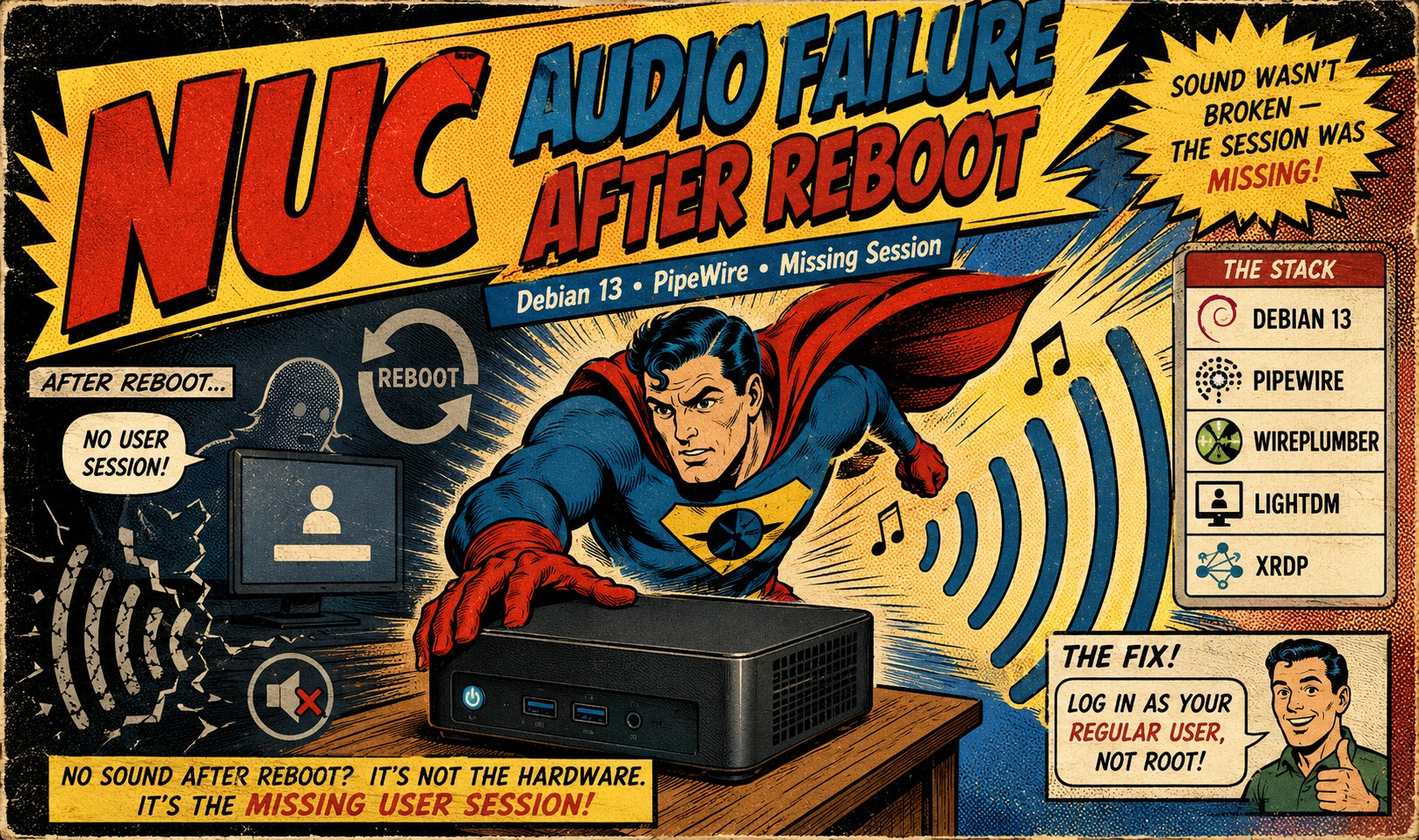
The Problem
An Intel NUC running Debian 13 had been playing music continuously for weeks without issue. One morning the music stopped. A reboot did not restore audio — the system came up normally, but no sound played.
Environment
- Intel NUC, Realtek ALC283 codec (HDA Intel PCH), analog output + 3 HDMI outputs
- Debian 13 with LightDM and a desktop GUI
- Audio stack: PipeWire / WirePlumber (Debian 13 default)
- Managed remotely via SSH as root
Diagnostic Steps
1. Verify the hardware is detected:
aplay -l
Result: card 0 (HDA Intel PCH) listed with ALC283 Analog plus HDMI 0/1/2. Hardware and driver fine.
2. Check the sound server:
systemctl --user status pipewire pipewire-pulse wireplumber
Result (run as root): all three services inactive (dead), with the key line:
Condition: start condition unmet ... ConditionUser=!root was not met
PipeWire refuses to run as root by design — it runs per-user, inside a logged-in user’s session.
3. Check who is logged in:
loginctl list-sessions
Result: the only thing on seat0 was the LightDM greeter. No user desktop session existed — just root SSH sessions.
4. Check autologin configuration:
grep -i autologin /etc/lightdm/lightdm.conf /etc/lightdm/lightdm.conf.d/* 2>/dev/null
Result: every autologin line commented out — autologin was never configured.
Root Cause
Audio “worked for weeks” only because someone had once logged into the desktop manually as the regular user (administrator). PipeWire ran inside that session and kept running as long as the session stayed alive.
The reboot destroyed that session. With no autologin configured, the machine came back up sitting at the login screen — no user session, therefore no PipeWire, therefore no audio. The audio never “broke”; the session that hosted it simply never restarted. Any reboot would have triggered this.
A second confusion compounded it: logging into the GUI as root to test produced silence, because PipeWire’s ConditionUser=!root means a root desktop session has no sound server at all.
The Path to the Fix
LightDM autologin (autologin-user=administrator) was tried first and worked — the session and audio came up automatically at boot. But it introduced its own quirk: with the administrator session already running on seat0, attempting to log in as administrator at the console failed (duplicate session), which is confusing at the physical machine.
The Solution
Autologin was reversed (the lines re-commented in /etc/lightdm/lightdm.conf) in favor of a simpler, deliberate workflow:
- Install xrdp:
apt install xrdp && systemctl enable --now xrdp - After any reboot, RDP in as
administrator— this starts the user session, which starts PipeWire. - Start the music, then disconnect the RDP client (do not log out). The session and the music keep running.
Verified with:
wpctl status          # Built-in Audio Analog Stereo as default sink
speaker-test -c 2 -t wav -l 2   # audible test tones
Key detail: do not install pipewire-module-xrdp — that module redirects the session’s audio to the RDP client. Without it, audio plays out the NUC’s local analog output as intended.
The tradeoff is accepted knowingly: after a reboot, music doesn’t resume until someone RDPs in — but the failure mode is now understood and takes thirty seconds to resolve, rather than being a silent mystery.
Lessons
- On modern Debian, no user session = no PipeWire = no audio. “Sound stopped after reboot” on a headless-ish box is very often a session problem, not an audio problem.
- Test audio as the user who owns the session, never as root.
loginctl list-sessionsanswers “why is the sound server not running” faster than any audio tool.- Disconnecting an RDP session keeps it (and its audio) alive; logging out kills it.
- Autologin and console logins for the same user don’t mix — pick one way into the session.