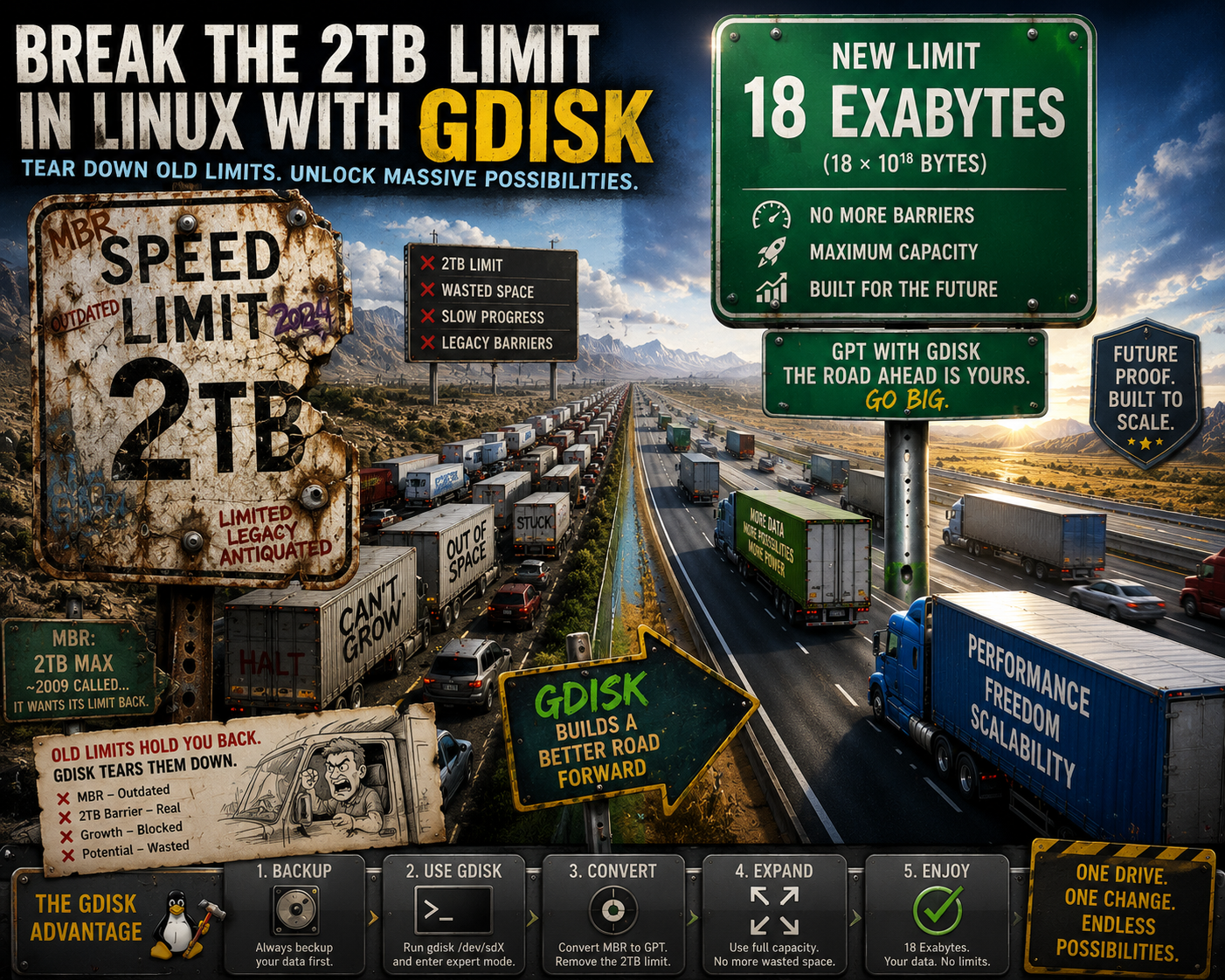
Without going into too much detail, for over 30 years the MBR has been the hard drive partition standard, which has a 2TB limit. GPT replaces MBR with one of it’s key benefits, exceeding the 2TB limit. While the fdisk tool is dated, there are several other tools that handle 2TB drives and beyond.
gdisk
One such tool, is gdisk, part of the gptfdisk rpm. This is one way to install and use gdisk on a CentOS 6 server.
Download gdisk (one method)
#!/bin/bash
cd /opt
# Download and install
if [ $(arch) = "i686" ]; then
# 32-bit
wget ftp://ftp.pbone.net/mirror/ftp5.gwdg.de/pub/opensuse/repositories/home:/srs5694/CentOS_CentOS-6/i686/gdisk-0.8.7-125.1.i686.rpm
yum localinstall -y gdisk-0.8.7-125.1.i686.rpm
else
# 64-bit
wget ftp://ftp.pbone.net/mirror/ftp5.gwdg.de/pub/opensuse/repositories/home:/srs5694/CentOS_CentOS-6/x86_64/gdisk-0.8.7-125.1.x86_64.rpm
yum localinstall -y gdisk-0.8.7-125.1.x86_64.rpm
fi
Download gdisk (another method) Updated: 9/16/2015
#!/bin/bash
cd /opt
# Download and install
if [ $(arch) = "i686" ]; then
# 32-bit
yum install -y ftp://ftp.pbone.net/mirror/ftp5.gwdg.de/pub/opensuse/repositories/home:/srs5694/CentOS_CentOS-6/i686/gdisk-0.8.7-125.1.i686.rpm
else
# 64-bit
yum install -y ftp://ftp.pbone.net/mirror/ftp5.gwdg.de/pub/opensuse/repositories/home:/srs5694/CentOS_CentOS-6/x86_64/gdisk-0.8.7-125.1.x86_64.rpm
fi
To use gdisk, type gdisk, n, enter,enter,enter,8e00 enter,w, y
gdisk /dev/sdcCommand (? for help): n Partition number (1-128, default 1): First sector (34-6143999966, default = 2048) or {+-}size{KMGTP}: Last sector (2048-6143999966, default = 6143999966) or {+-}size{KMGTP}: Current type is 'Linux filesystem' Hex code or GUID (L to show codes, Enter = 8300): 8e00 Changed type of partition to 'Linux LVM' Command (? for help): w Final checks complete. About to write GPT data. THIS WILL OVERWRITE EXISTING PARTITIONS!! Do you want to proceed? (Y/N): y OK; writing new GUID partition table (GPT) to /dev/sdc. sd 2:0:1:0 [sdc] Assuming drive cache: write through The operation has completed successfully.
Now that the /dev/sdc has been partitioned with one partition using all 3TB, let’s verify that
gdisk -l /dev/sdcGPT fdisk (gdisk) version 0.8.7 Partition table scan: MBR: protective BSD: not present APM: not present GPT: present Found valid GPT with protective MBR; using GPT. Disk /dev/sdc: 6144000000 sectors, 2.9 TiB Logical sector size: 512 bytes Disk identifier (GUID): 8906A0EF-A1F7-43F5-97FA-EB68BB4CD47C Partition table holds up to 128 entries First usable sector is 34, last usable sector is 6143999966 Partitions will be aligned on 2048-sector boundaries Total free space is 2014 sectors (1007.0 KiB) Number Start (sector) End (sector) Size Code Name 1 2048 6143999966 2.9 TiB 8E00 Linux LVM
Format the new partition and label it something useful maybe, localnas. This may take some time, a few minutes.
mkfs.ext4 -L localnas /dev/sdc1This is one way to mount it permanently.
mkdir /nas
blkid /dev/sdc1
echo "UUID=$(blkid -o value /dev/sdc1 | grep "-") /nas ext4 defaults 1 2" >> /etc/fstab
#echo "UUID=xxxx-xxxxxx-xxxxxxxxx-xxxxxxxxx-xxxxx /nas ext4 defaults 1 2" >> /etc/fstab
mount -a
To verify that newly created space
df -hFilesystem Size Used Avail Use% Mounted on
/dev/mapper/vg_centos6test-lv_root 18G 2.2G 15G 14% /
tmpfs 242M 0 242M 0% /dev/shm
/dev/sda1 485M 35M 426M 8% /boot
/dev/sdc1 2.0T 199M 1.9T 1% /nas