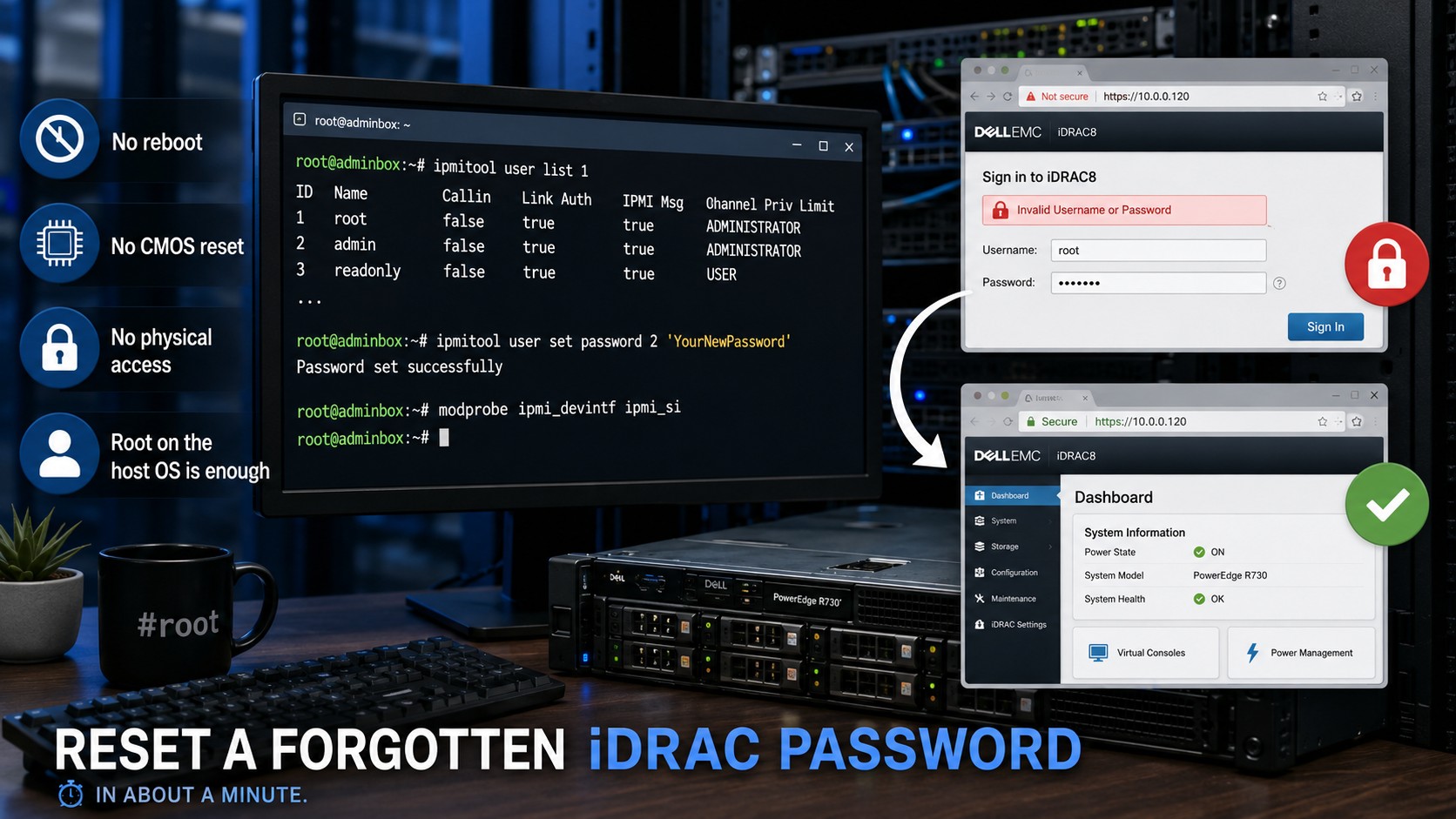
How to Reset a Forgotten iDRAC Password from the Command Line
If you run Dell PowerEdge servers at home — and the used-server market has put an R720 or R730 in a lot of homelabs — sooner or later you’ll face this one: the server is running fine, you can SSH into the OS all day long, but the iDRAC password is a mystery. Maybe it came from eBay with the previous owner’s credentials, maybe you set something clever two years ago and it’s gone from memory. Either way, the web interface at the iDRAC’s IP is now a locked door.
The good news: you don’t need to reboot, you don’t need to pull the CMOS battery, and you don’t need physical access at all. If you have root on the operating system running on that server, you can reset the iDRAC password in about a minute using ipmitool, straight over the internal interface between the OS and the management controller.
Why This Works
The iDRAC speaks IPMI, and the host OS can talk to it in-band through a system interface — no network involved. That means the OS-side root user can manage IPMI users on the iDRAC directly, including changing their passwords. It’s a supported path, not a hack, and it’s exactly what it’s there for.
Step 1: Install ipmitool
On Debian or Ubuntu:
apt install ipmitool
On RHEL, Alma, Rocky, or anything else in the EL family:
dnf install ipmitool
If your first ipmitool command complains that it can’t find the device (Could not open device at /dev/ipmi0), load the kernel modules and try again:
modprobe ipmi_devintf ipmi_si
Step 2: Find the User Slot
IPMI users live in numbered slots. List them on channel 1:
ipmitool user list 1
You’ll get a table of user IDs and names. On an iDRAC, the root account almost always sits in slot 2 — but check the output rather than assuming, especially on a secondhand server where someone may have renamed or added accounts.
Step 3: Set the New Password
With the slot ID confirmed (we’ll use 2 here):
ipmitool user set password 2 'YourNewPassword'
Use single quotes around the password so the shell doesn’t mangle any special characters. Keep the length reasonable — the IPMI spec caps passwords at 20 characters, and staying at or under that limit avoids a silent truncation surprise when you later try to log in.
Step 4: Verify
List the users again to confirm nothing unexpected changed:
ipmitool user list 1
Then browse to the iDRAC web interface and log in as root with your new password. That’s it — no downtime, no chassis intrusion, no paperclip on a motherboard jumper.
A Few Closing Notes
If the account turns out to be disabled or locked rather than just password-forgotten, ipmitool user enable 2 will switch it back on. And while you’re in there anyway, it’s worth confirming you’re not still running the factory default credentials — root / calvin shipped on years of iDRACs, and a management controller with default credentials on your network is a much bigger problem than a forgotten password ever was.
File this one away; you’ll need it again the next time a “fully wiped” server shows up from eBay with the seller’s iDRAC password still set.