Tag: Excel

Remove All Pictures from Spreadsheet

Sometimes you may copy and paste a web page into an Excel spreadsheet, the result may be a spreadsheet peppered with pictures throughout. Too many to individually delete. There is a way to remove all pictures from a spreadsheet by using a macro. Press ALT F8 to get the Macro box. Type in a name and edit it. Copy and…

Read More »
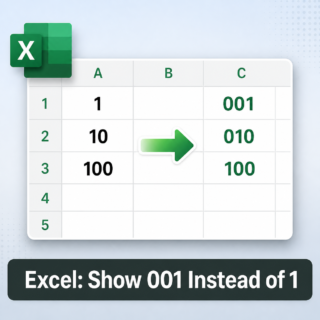
Microsoft Excel – Turn a “1” into “001”

Numbers such as 1, 10, and 100 can be displayed as 001, 010, and 100 in Excel either by applying custom formatting (visual only) or by converting them to text values that contain leading zeros. Method 1: Custom number format (visual only) This method changes how numbers are displayed while preserving their numeric nature for calculations. Select the relevant cells….

Read More »